How to Make a QR Menu for Your Restaurant: Step-by-Step Guide (2026)
Making a QR menu for your restaurant in 2026 isn't a tech project. It's closer to changing the daily specials board: you enter your dishes, generate a code, stick it on the table, and that's it. In one afternoon you can have your digital menu ready, in five languages, and updatable from your phone.
If you're reading this, you want to take the step but don't know where to start. Let's walk through it together — no jargon, and with the perspective of people who have helped thousands of restaurants in Spain do exactly this.
1. Enter your dishes
Copy your current menu into the dashboard. Around 2 hours, one time.
2. Turn on the languages
One click to translate into the languages of your tourists.
3. Generate and place the QR
Download the code, print it, stick it on every table. Done.
Before you start: what you need to have ready
Three things. That's all.
With those three, you're ready.
Step 1: Pick a platform (without wasting three weeks comparing)
The digital menu market has filled up over the last few years. The real differences between the options, beyond visual design, come down to three questions you should ask before any feature list:
| Question | Why it matters |
|---|---|
| Does it include automatic multilingual support? | A tourist who can't read your menu only orders what they recognise. Automatic translation lifts the average ticket without changing anything in the kitchen. |
| Does it charge a commission per cover or booking? | In hospitality with 10–15% margins, any per-customer commission eats your work. Platforms with predictable flat pricing are healthier for the business. |
| Can you update prices yourself, without calling support? | Sounds obvious, but on some platforms changing a price requires opening a ticket. Avoid anything that doesn't give you immediate control. |
Pueblito is built around exactly those three questions: translation to five languages included, no per-cover commission, and everything editable from your phone in seconds. It's the tool we wished we had found years ago when we started helping restaurants on Spain's Mediterranean coast go digital.
Step 2: Register your restaurant (or claim the page you already have)
On most platforms, sign-up asks for name, address, phone, hours, cuisine type and a photo of the venue. In 10–15 minutes you're in the dashboard.
With Pueblito there's a shortcut that saves you even that step: your restaurant is probably already listed. We have over 9,000 restaurants on Spain's Mediterranean coast, from beach bars to steakhouses. If you're already there, you just claim your page (it's free) and start customising.
Step 3: Add your dishes by category
This is the most time-consuming step — about 2 to 3 hours for a menu of 40–60 dishes. But it's a one-time investment.
Organise the categories the way they appear on your paper menu: starters, tapas, rice dishes, fish, meat, desserts, drinks and wines.
Inside each category, add every dish with:
Practical tip: start with your signature and best-selling dishes. You don't need all 60 items on day one. With 15–20 dishes well placed you can publish the menu and add the rest during the week.
Step 4: Activate your customers' languages
If your platform includes automatic translation, this step is one click. On Pueblito you turn on the languages you get in your area:
🇪🇸 Spanish
Always. Your base language.
🇬🇧 English
Essential in any tourist destination.
🇫🇷 French
Constant European tourism.
🇩🇪 German
Key on the Mediterranean coast and Balearics.
🇳🇱 Dutch
Benelux very present in Valencia and Catalonia.
The platform detects the language of the customer's phone and shows the menu in their language automatically. You don't translate anything manually.
Step 5: Generate the QR code
The fastest step. On most platforms:
1. Go to the "QR" section in the dashboard
2. Pick what it should point to (the general menu is usually the default)
3. Download the QR as PNG or PDF
4. Done
The QR the platform generates never expires: even if you change prices 50 times or add new dishes, the same code keeps working. That means you print it only once.
Step 6: Print and place the QR on the tables
Practical options, from least to most investment:
| Format | Durability | Recommended for |
|---|---|---|
| Laminated stickers | Years | Bars, cafés, indoor venues |
| Acrylic table stand | Decades | Mid-to-high-end restaurants |
| Stainless steel stand | Decades + marine environment | Beach bars and seaside terraces |
| Printed placemat | One service | Venues that change placemats per service |
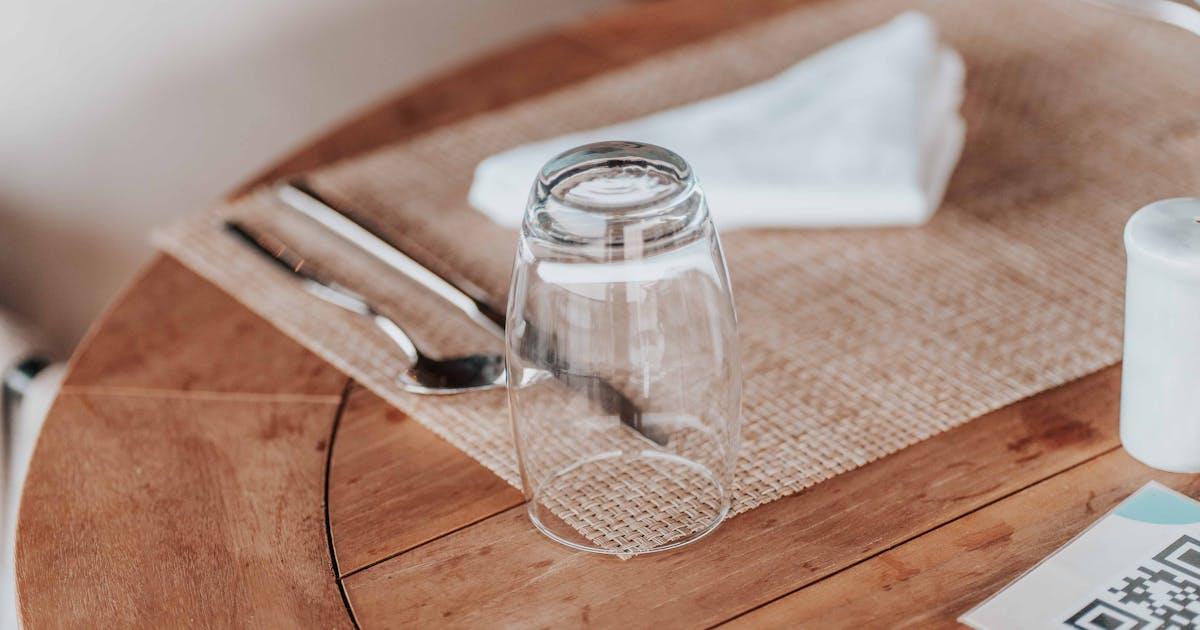
Place the QR somewhere visible without cluttering the table. A corner of the placemat or a small acrylic stand works better than a giant poster that looks like an ad.
Step 7: Test your menu the way a customer would
Before opening tomorrow, run this test:
1. Take your own phone
2. Open the camera
3. Point at the QR
4. Tap the link that appears
5. Check the dishes, prices and photos look good in portrait and landscape
6. Switch your phone to English and check the translation makes sense
If anything feels off — a photo that doesn't load, a wrong price, a description that's too long — fix it in the dashboard and it updates instantly, no reprinting.
The most common mistake: picking a tool with ads over your menu
Some "free" tools fund themselves by placing ad banners over your menu or selling your customers' data. The customer experience degrades and your restaurant loses professional polish.
If something is radically free, ask who's paying. Often it's you, just differently.
What to do once your QR menu is live
Don't stop there. Restaurants that get the most out of a digital menu do three more things:
One-sentence summary
Making a QR menu in 2026 is easier than swapping the POS: pick an honest platform, enter your dishes in one afternoon, generate the code, stick it on the table. From then on, every update costs you 30 seconds instead of a call to the printer.
Start today with Pueblito
Claim your page for free, try the dashboard with no card, and decide later. Over 9,000 restaurants on Spain's Mediterranean coast are already on the platform — yours probably is too.
See how it works →